
Count your days
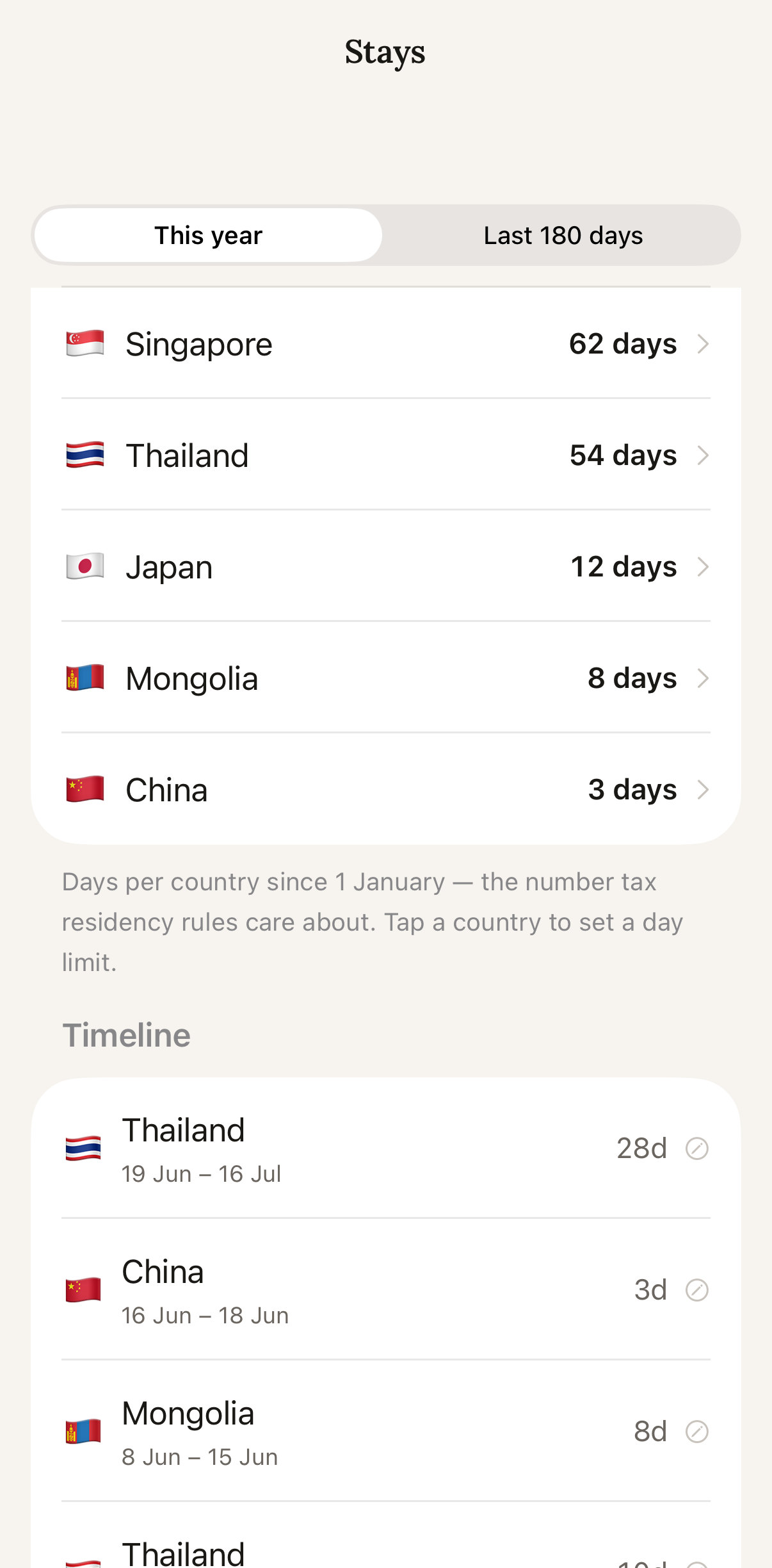
Every country counted automatically — for visa limits and the 183-day rule.
Log expenses in any currency with a single message. AI categorisation, automatic conversion, and a running count of your days in every country — built for expats, nomads, and anyone who lives across borders.
14-day premium trial · No credit card · Also works in any browser
Just say what you spent. “Lunch 350 THB” or “Coffee 6.50 SGD #work” — Stang figures out the name, category, and date automatically.
Log in THB, SGD, USD, JPY — anything. Every expense converts to your home currency automatically using live rates.
Get a personal AI analysis every month — what’s on pace, what to cut, and a clear picture of where your money actually went.
Every country counted automatically — for visa limits and the 183-day rule.
Say what you spent; AI fills in the name, category, and currency.


Budgets, pace, and a clear read on where the money went.

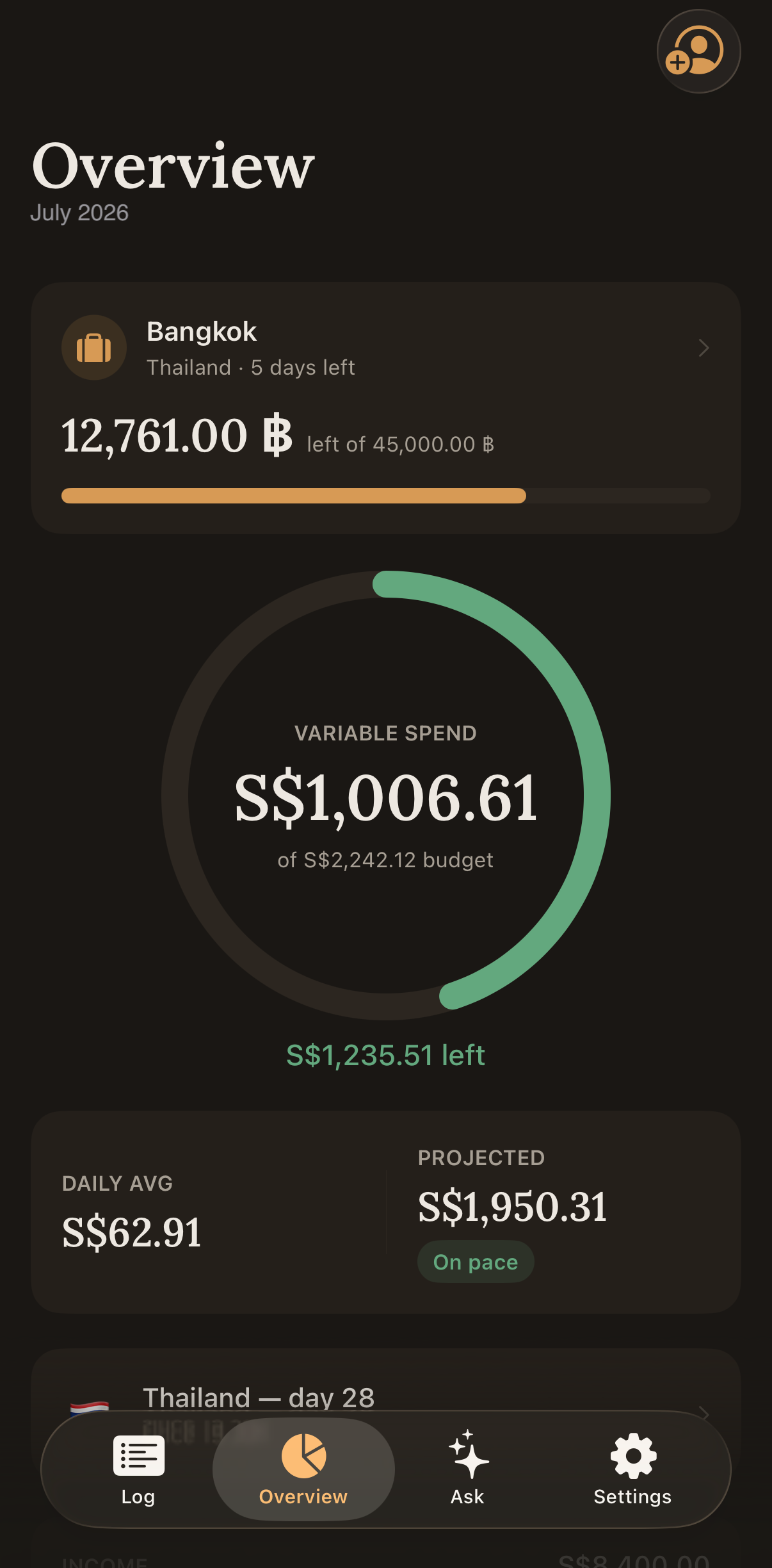
Live FX keeps everything in one home currency.
Snap a receipt; Stang reads and files it.
A plain-language read on where your money went.
Follow-up questions about your own spending.
Bring months of history in — or take it with you.
Log from chat on the web.
Group spending by trip, client, or project.
A nudge before a category runs hot.
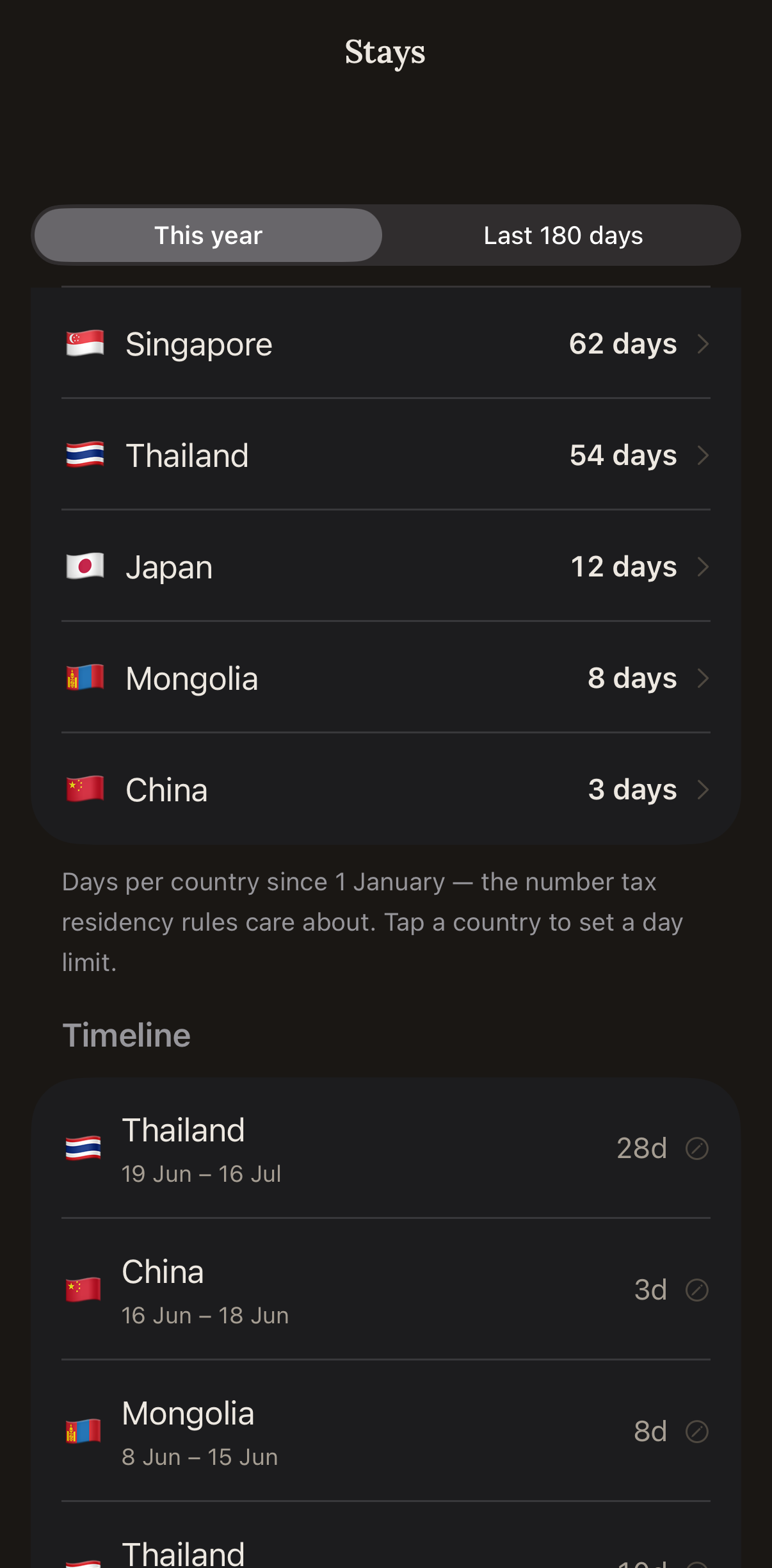
Stays is a Stang Pro feature in the iPhone app that counts how many days you have spent in each country, worked out from where your expenses happen — no GPS tracking and no manual check-ins. It is built for visa limits and tax-residency thresholds: you see a running day count per country, so a 90-day visa or the 183-day tax rule never catches you by surprise.
Stang supports all major currencies including SGD, USD, EUR, GBP, THB, MYR, JPY, AUD, HKD, IDR, INR, PHP, VND, CNY, and KRW. You set one home currency and as many other currencies as you spend in, and every amount is converted automatically using live exchange rates.
Stang is a native app on the App Store for iPhone, and it also works as a Progressive Web App in any browser. On Android, open stang.app in Chrome and choose Install app; on iPhone you can also use Safari, Share, Add to Home Screen.
You type it the way you would say it — "lunch 85 THB" or "coffee 4.50 SGD yesterday" — and Stang works out the name, amount, currency, category, and date, then converts it to your home currency. There is no form and no dropdown. You can also log by messaging the Telegram bot, or by photographing a receipt.
Stang is built for people who spend across several currencies at once. Most budget apps make you pick a currency from a menu and convert by hand; Stang detects the currency from what you typed and converts everything into one home currency automatically. Logging takes one message rather than a form. And it is the only budget app that turns your ordinary spending into a day count per country for visa and tax planning.
Your data is stored with row-level security, so only your account can read your transactions. You sign in with Google or an emailed one-time code, and no passwords are stored. Stang does not sell or share your data, and third-party analytics run only on the public marketing pages, never inside the app itself.
Free to start with a 14-day premium trial. No credit card needed.